By Tap Review Cards Team
October 30, 2026
How to Find Your Google Review Link in Google My Business
In today's digital landscape, having a robust online reputation is crucial for businesses. Positive reviews not only enhance your credibility but also help attract new customers.
One of the most effective ways to encourage customers to leave a review is by providing them with an easy-to-use Google review link.
In this guide, we'll show you how to quickly locate your Google review link in Google My Business (GMB), now known as Google Business Profile.
Why Google Reviews Matter for Your Business
Google reviews are more than just a number next to your business name; they influence purchasing decisions and help build customer trust. Review quantity, quality, and other factors can contribute to your local search visibility.
Not only do customers rely on reviews when choosing a business, but genuine customer feedback also helps demonstrate your business's reputation and credibility.
How to Find Your Google Review Link in Google My Business
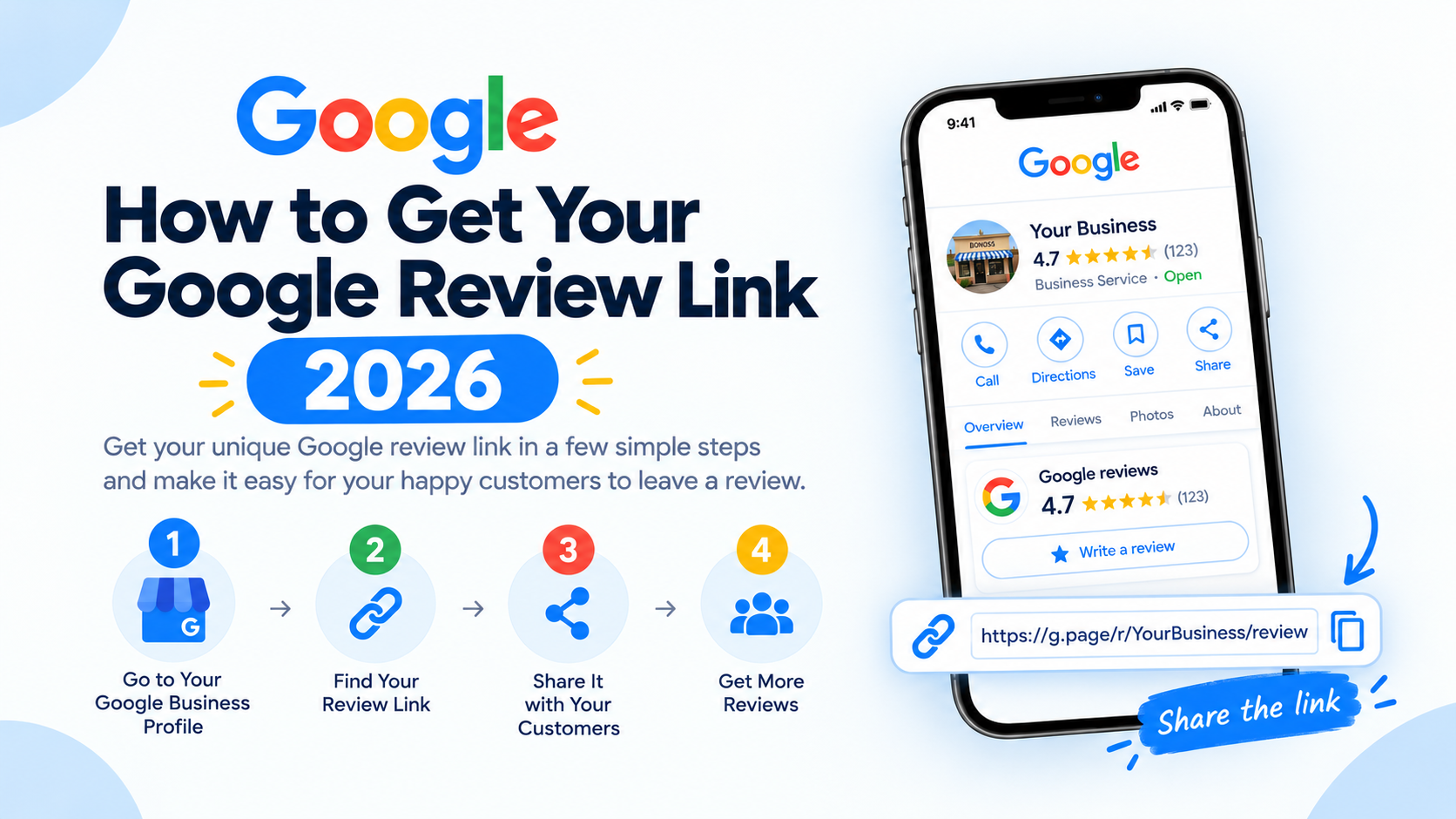
Follow these simple steps to locate and copy your unique Google review link using your Google Business Profile.
Step 1: Log In to Your Google My Business Account
Start by logging into your Google Business Profile account through the official Google website.
If you haven't claimed your business on Google, it's essential to do so, as this will give you control over your business information and customer reviews.
Step 2: Select the Correct Location
If you manage multiple business locations, select the one for which you want to share the review link. Each location has its own review link, so make sure you're working with the correct business profile.
Step 3: Go to the "Home" Tab
Once you're on the desired location's page, navigate to the "Home" tab in the left-hand sidebar. The Home tab acts as the main dashboard and provides an overview of your business information, statistics, and available tools.
Step 4: Locate the "Get More Reviews" Section
On the Home page, scroll down until you find the "Get more reviews" section. Here, you'll see a button labelled "Share review form." This is Google's way of providing a direct link that customers can use to leave a review quickly and easily.
Step 5: Copy Your Google Review Link
Click on the "Share review form" button, and a pop-up will appear with your unique review link. Copy this link, and you're ready to share it with your customers via email, social media, or directly on your website.
How to Find Your Google Review Link on a Mobile Phone
Finding your Google review link on a mobile phone is also simple. Here's a step-by-step guide to help you locate and share your Google review link directly from your mobile device.
Step 1: Log into Your Google Business Profile
Open your mobile browser and visit:
Log in with the Google account associated with your business.
Step 2: Click "Manage Now"
Once logged in, tap on "Manage Now" to access your Google Business Profile dashboard.
Step 3: Find Your Business Page and Click "See Your Profile"
Locate your business in the list (if you manage multiple locations) and tap "See Your Profile" to view your public business page.
Step 4: Tap the Drop-Down Menu and Select "Ask for Reviews"
In your business profile view, find the drop-down menu and select "Ask for reviews."
Step 5: Copy the Review Link
A pop-up will appear with your unique Google review link. Tap the copy option to save the link. You can now share it with customers through messages, emails, social media, or your website.
Make Sharing Your Google Review Link Easier with NFC Review Cards
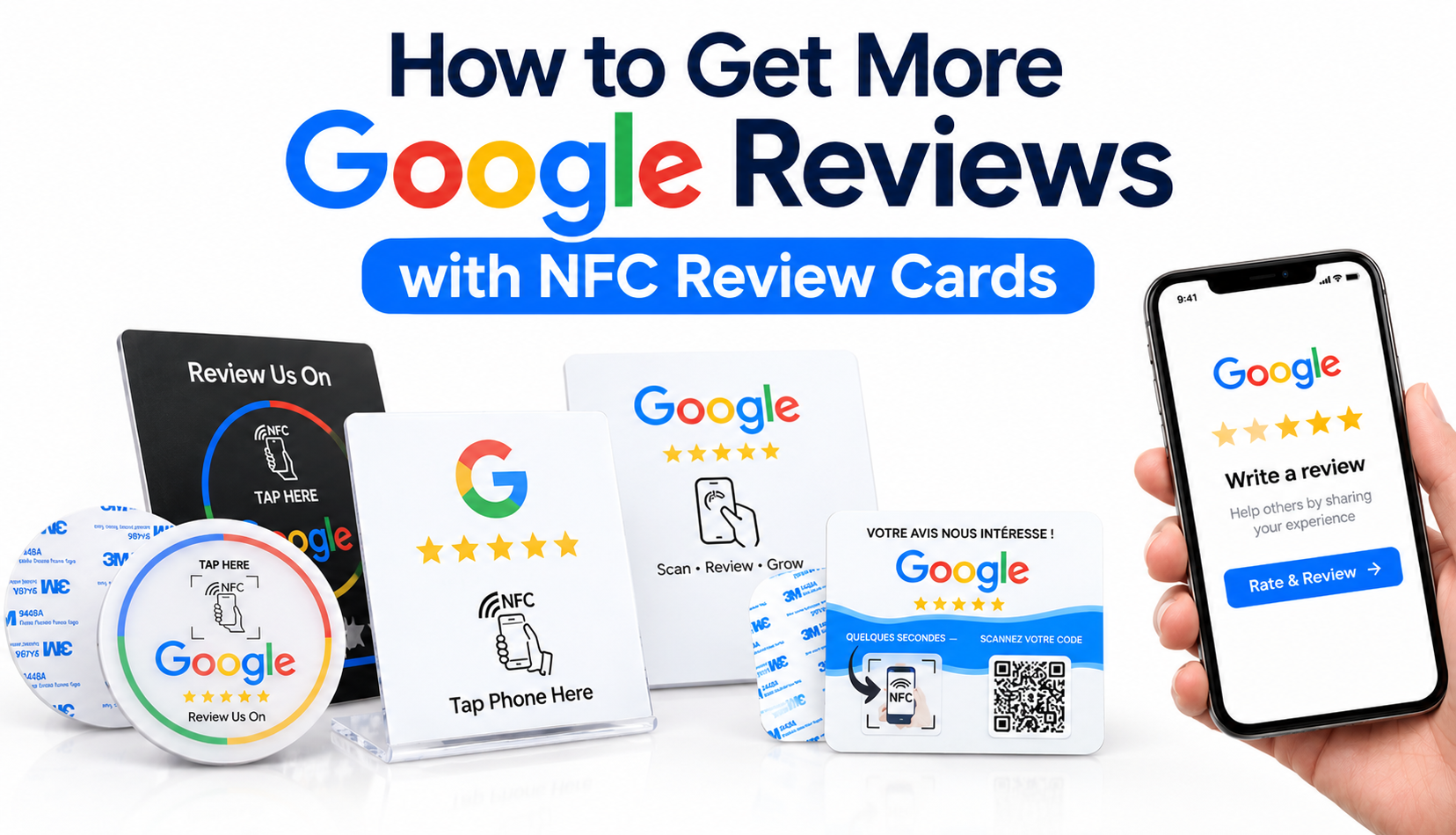
Now that you have your Google review link, you can make it even easier for customers to access your review page. Instead of manually sharing the link, you can connect it to an NFC review card.
Customers simply tap their NFC-enabled smartphones on the card to open your Google review page. They can also scan a QR code if they prefer.
This makes requesting customer feedback more convenient for restaurants, hotels, retail stores, salons, and other businesses.
Explore our Google Review Cards and NFC Rating Cards to make collecting customer feedback easier and more convenient.
With the right tools, you can simplify the review process, encourage genuine customer feedback, and build a stronger online reputation.